
Your subscription and billing
Click your login name at the top right of the screen to find two related menu items: Manage your subscription and Billing.
Manage your subscription
This shows who the subscription is licensed to, your renewal date, whether auto-renew is on, and any extra modules you’ve added, each with its own cost and status. From here you can change your plan or the modules you’ve added, update your card details, or cancel your subscription.
Billing
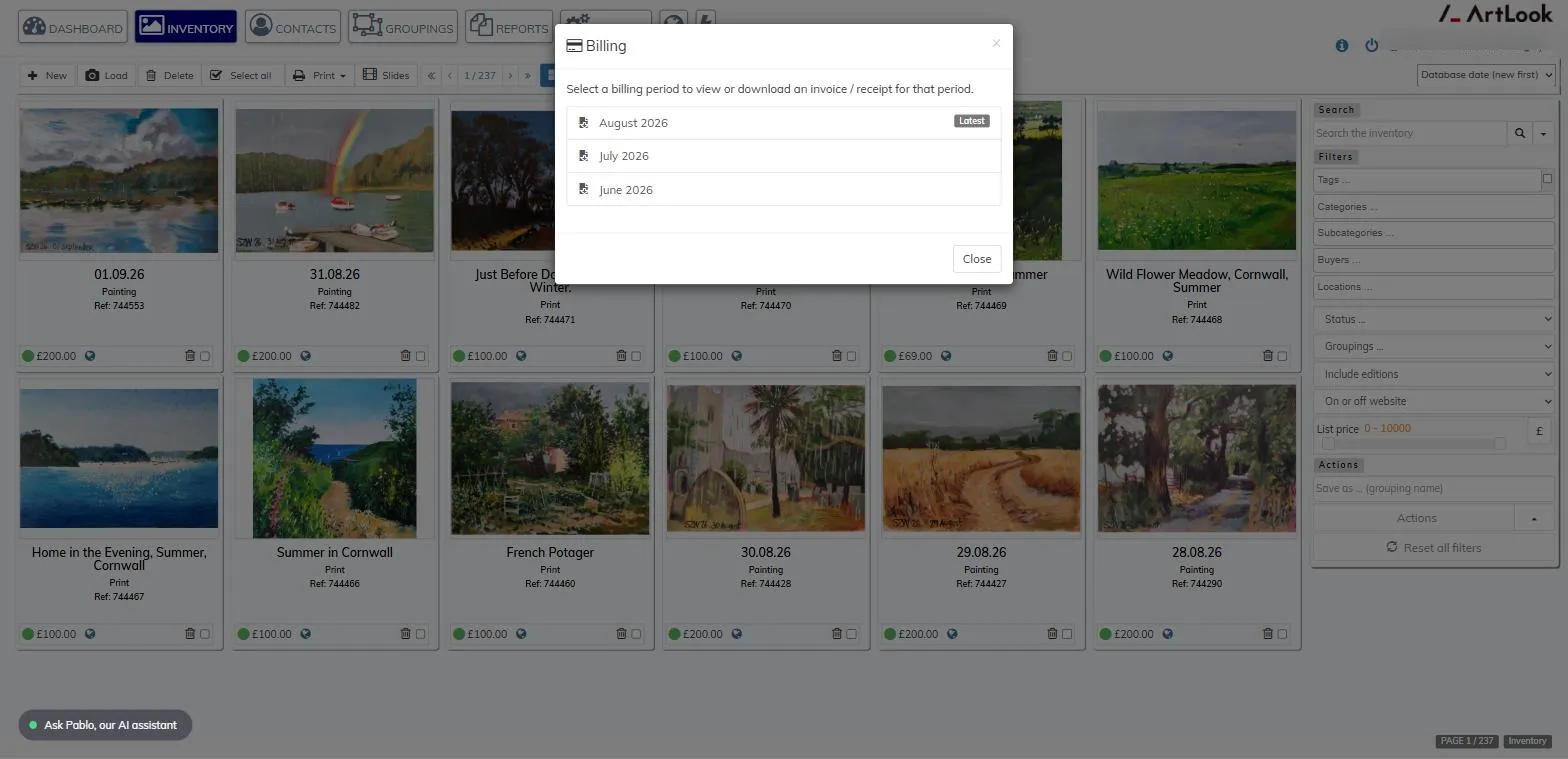
Pick a billing period from the list to view or download the invoice or receipt for that period.
Renewing or upgrading
Most subscriptions renew automatically by card via our payment provider, so you don’t need to do anything as long as the card on file is still valid. If you’re on a free trial and want to continue with Artlook, or you want to move to a different plan, use Manage your subscription to do that.